


Top IPTV Players for Firestick, Android TV, and PC (Updated for November 2024)
As entertainment options diversify, IPTV (Internet Protocol Television) continues to gain momentum as a popular alternative to traditional cable services. Whether for live TV, on-demand content, or specialized channels, IPTV caters to the evolving preferences of tech-savvy users. However, the quality of the experience largely depends on the player you use.
In this comprehensive guide, we’ll explore the top IPTV players for Firestick, Android TV, and PC, helping you choose the best solution for your streaming needs.
What is an IPTV Player?
An IPTV player acts as a bridge between your IPTV subscription and your preferred viewing device. These players are designed to decode the streams provided by IPTV services and display them in a user-friendly format. Think of it as the app that plays your content—just as a video player handles downloaded files, an IPTV player handles live streams and on-demand playlists.
Features of an Ideal IPTV Player
Before diving into the list, let’s highlight some critical features to look for:
- Cross-Device Compatibility: Ensures that the player works across multiple devices, including Firestick, Android TV, and PCs.
- Customizable Interface: A sleek and adjustable UI enhances the viewing experience.
- Advanced Features: Support for Electronic Program Guide (EPG), recording options, subtitles, and multi-view streaming.
- Secure Integration: IPTV players must work seamlessly with your IPTV provider while ensuring data security.
- Pricing Flexibility: Some players offer free versions, while others charge a subscription or one-time fee for premium features.
Top IPTV Players for Different Platforms
1. TiviMate
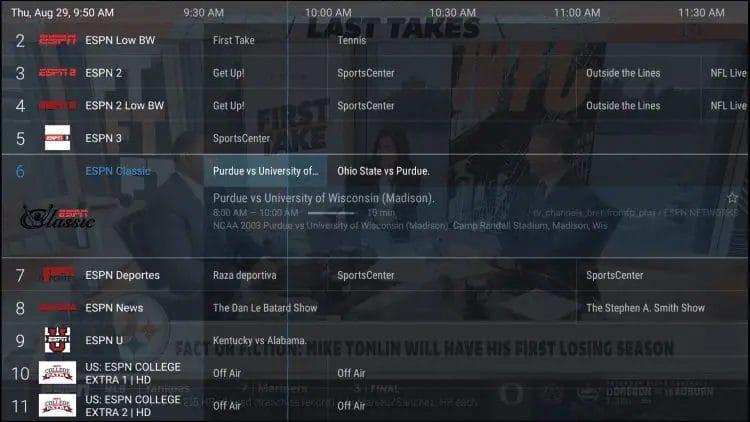
TiviMate is widely recognized as a gold standard for IPTV players, particularly for Android-based platforms like Firestick and Android TV.
Features:
- User-Friendly Interface: Intuitive and easy to navigate.
- Multi-View Option: Stream multiple channels simultaneously.
- Cloud Sync: Sync settings across devices.
- Customizable Layout: Personalize your channel guide and themes.
Who Should Use It?
Advanced users who value customization and multi-channel viewing.
2. IPTV Smarters Pro
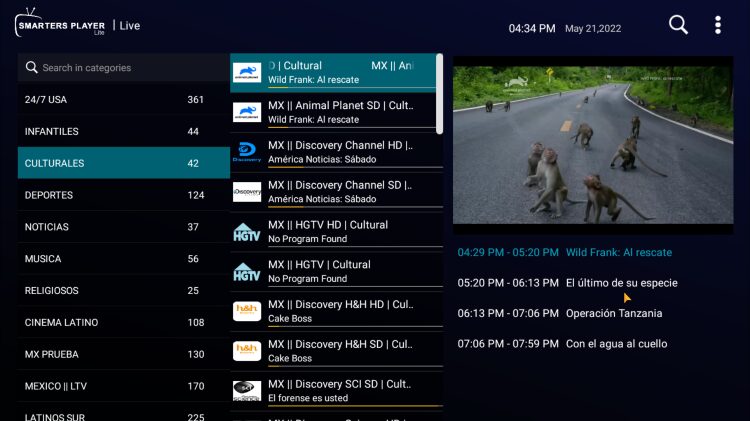
IPTV Smarters Pro is a highly versatile player with multi-device support, catering to Android, iOS, macOS, and Windows users.
Features:
- VOD Support: Access movies and TV shows directly.
- Parental Controls: Block inappropriate content for kids.
- Xtream Codes API: Easy connection with IPTV service providers.
- Multi-Screen Streaming: Perfect for families.
For a complete setup guide, visit the IPTV Smarters Pro installation tutorial.
Top Free and Premium IPTV Players
3. XCIPTV Player
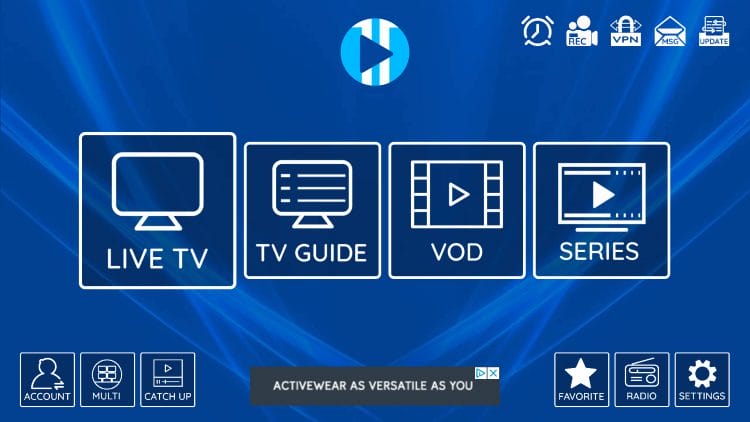
XCIPTV Player has grown in popularity for its simplicity and features designed for both beginners and advanced users.
Features:
- Two integrated media players with customizable options.
- Support for external players like VLC and MX Player.
- Lightweight design, ensuring smooth performance.
4. OTT Navigator
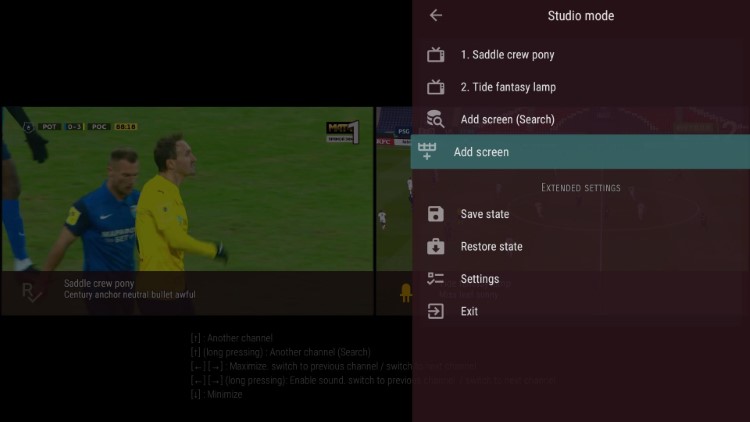
OTT Navigator is a feature-rich player known for its flexibility and advanced settings.
Why It Stands Out:
- Filters for organizing channels and playlists.
- Picture-in-Picture (PIP) mode for multitasking.
- Full EPG support with XMLTV and JTV formats.
5. Perfect Player IPTV
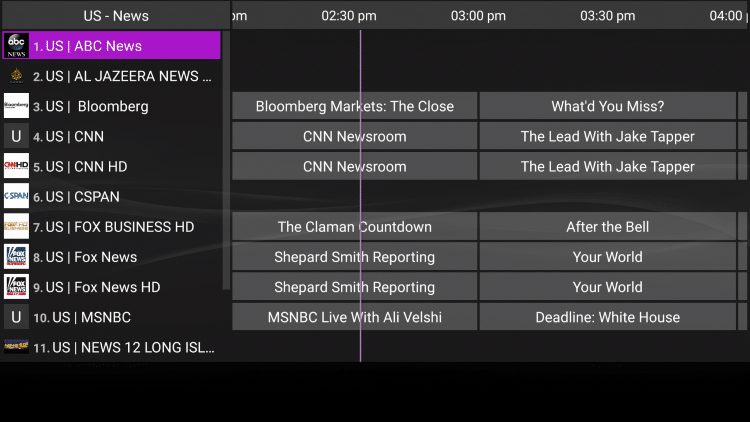
This lightweight app is perfect for users who need a no-frills IPTV experience on Android and PC.
Key Features:
- XMLTV-based EPG for smooth navigation.
- Transparent overlays for better usability.
- Supports multiple playlist formats, including M3U and XSPF.
Best IPTV Players for Firestick Users
6. Smart IPTV (SIPTV)
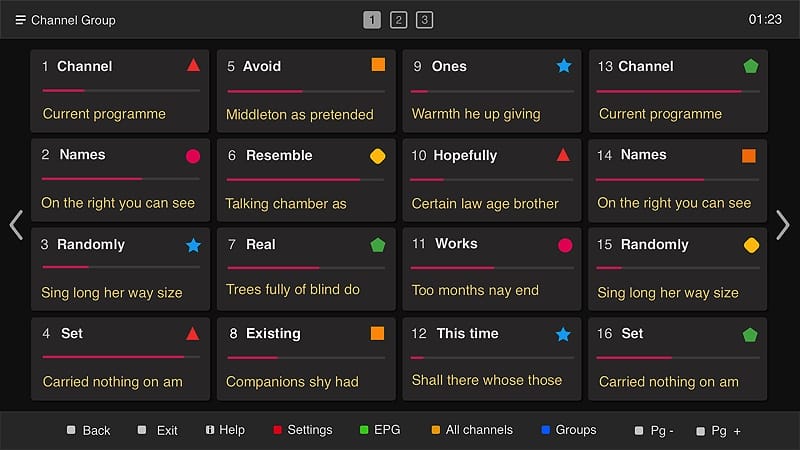
Smart IPTV is a popular choice for users who prefer streamlined interfaces. Though it requires a one-time fee, the app supports multiple platforms, including Firestick.
Key Features:
- Playlist compatibility with M3U and XML.
- Automatic categorization of channels.
- Cloud synchronization for saved settings.
Setup Guide: Follow the detailed steps at Smart IPTV setup for Firestick.
7. Televizo
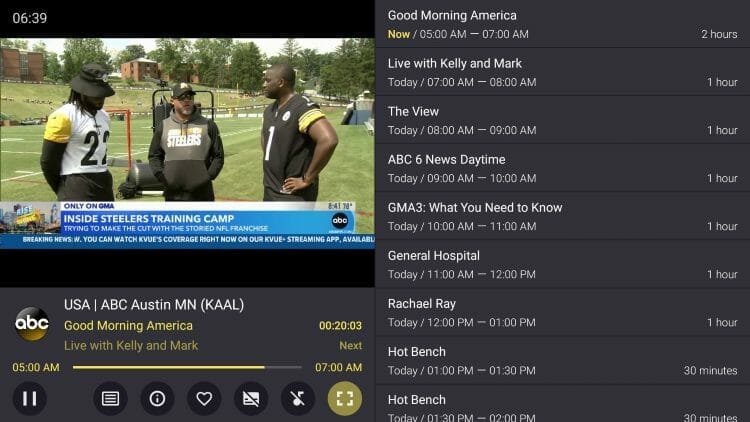
A reliable player for Firestick and Android TV users, Televizo has a clean interface and practical features.
Why Choose Televizo?
- DVR functionality for recording live TV.
- Supports VOD content with EPG integration.
8. VLC Media Player
While VLC is traditionally a media player for local files, its streaming capabilities make it a solid choice for basic IPTV needs.
Pros:
- Cross-platform compatibility.
- Supports M3U playlists.
- No ads or subscription fees.
Premium IPTV Players for Advanced Features
9. MYTVOnline3
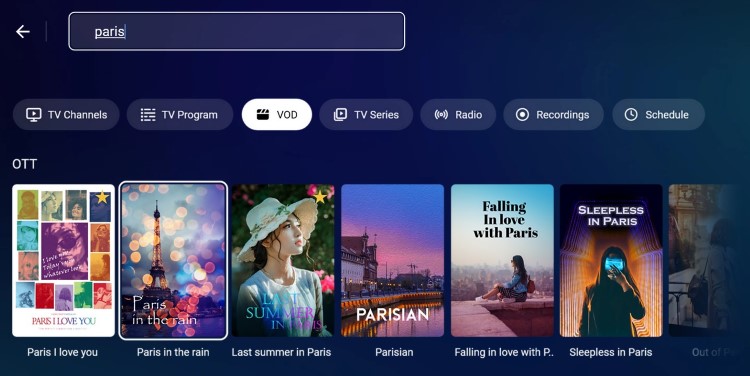
Exclusively built for Formuler devices, MYTVOnline3 is a powerful player for users seeking high performance.
Unique Features:
- Ultra-fast channel switching.
- Robust parental controls.
- Sleek UI tailored for Formuler devices.
10. ProgDVB/ProgTV
ProgDVB is a professional-grade IPTV player for PCs. It’s ideal for advanced users who need recording options and satellite TV integration.
Features:
- High-definition streaming.
- Support for IPTV and satellite services.
- Advanced scheduling options.
11. Kodi

Kodi remains a favorite due to its extensive library of add-ons, including IPTV integrations.
Key Features:
- Open-source and free.
- Highly customizable with skins and add-ons.
- Supports almost every device imaginable.
For more, check out the official Kodi guide.
Comparing the Best Players: Features & Compatibility
| Player | Best For | Compatibility | Price |
|---|---|---|---|
| TiviMate | Advanced features | Firestick, Android TV | Free/$4.99* |
| IPTV Smarters Pro | Versatility | Android, iOS, PC | Free/$2.99/mo |
| Smart IPTV | Simplicity | Firestick, Android, Smart TV | $5.49* |
| MYTVOnline3 | Premium device experience | Formuler devices | $6.99/mo |
*Approximate pricing as of November 2024.
How to Install an IPTV Player on Firestick and Android TV
- Enable Unknown Sources: Navigate to Settings > My Fire TV > Developer Options and enable “Install Unknown Apps.”
- Download a Downloader App: Use the official Downloader app to fetch your desired IPTV player APK.
- Install the APK: Locate the downloaded file and follow the on-screen prompts to install it.
- Set Up Your Playlist: Upload an M3U playlist or use Xtream Codes for quick access.
Pro Tip: Always keep your apps updated for the latest features and security patches.
Why Use a VPN with IPTV?
Streaming IPTV without a VPN leaves you vulnerable to potential privacy breaches and geo-restrictions.
Top VPNs for IPTV
- NordVPN: Best for fast servers and privacy.
- Surfshark: Budget-friendly with robust features.
- ExpressVPN: Advanced security and global servers.
FAQs
1. Are all IPTV players legal?
Yes, IPTV players themselves are legal as they do not host content. However, using them to stream copyrighted material without permission is illegal.
2. Can I use a single player on multiple devices?
Many IPTV players, like IPTV Smarters Pro, support cross-platform usage. Check app-specific terms for details.
3. What’s the best player for live sports?
TiviMate and OTT Navigator excel in handling live sports, thanks to their advanced EPGs and multi-view features.
Conclusion
Choosing the right IPTV player can drastically improve your streaming experience. From beginner-friendly options like IPTV Smarters Pro to power-packed solutions like TiviMate and OTT Navigator, the market offers something for everyone.
For more IPTV guides and updates iptvsmartersplayer.co.





