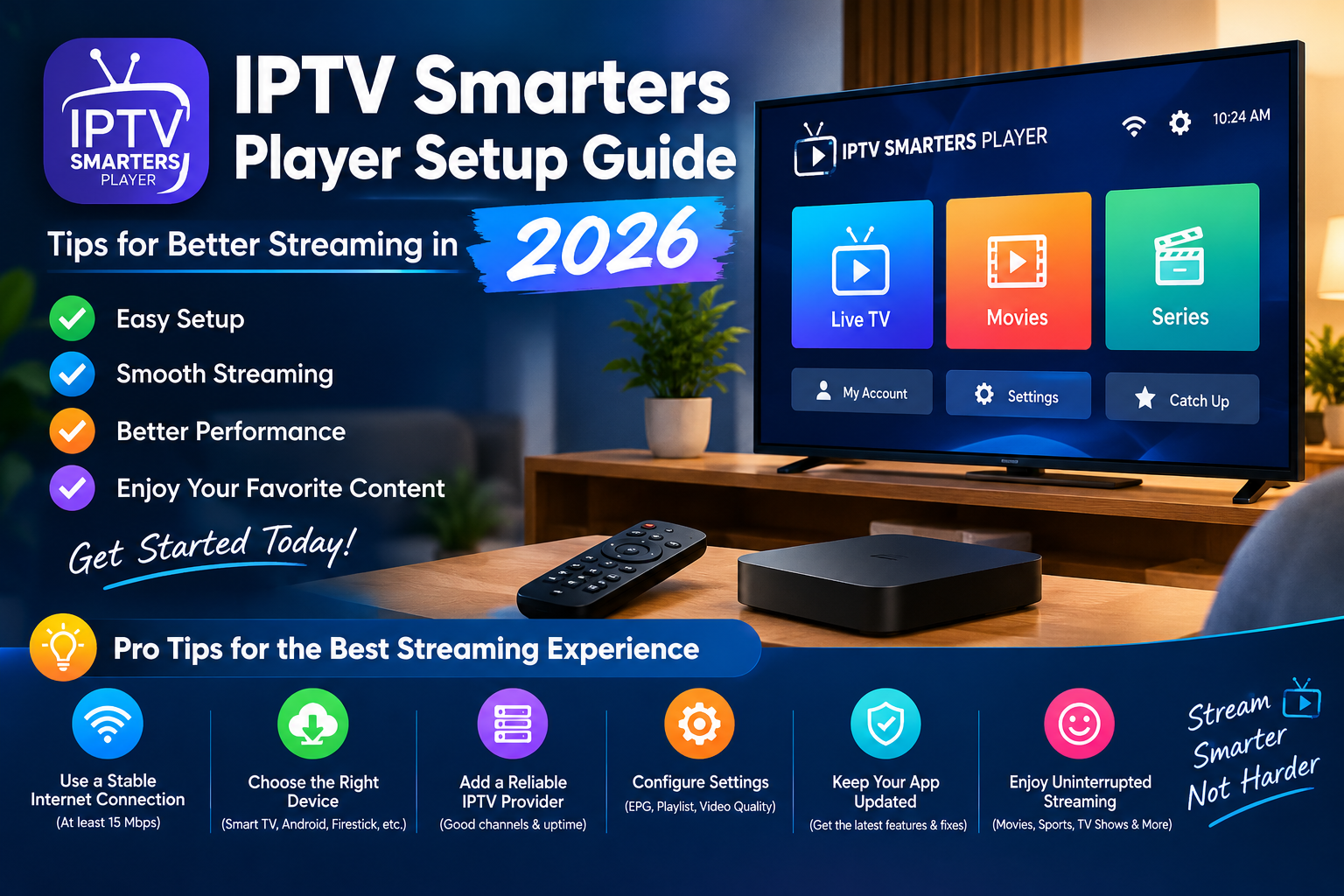
Streaming has become a popular way to enjoy television and digital entertainment across smart TVs, streaming devices, computers, and mobile phones. However, getting a smooth viewing experience requires more than simply installing an application. A suitable device, a reliable internet connection, and a properly configured media player all play important roles.
In this guide, we explain how to set up an IPTV player, improve playback quality, troubleshoot common streaming problems, and make informed decisions about online streaming services.
What Is IPTV Smarters Player?
IPTV Smarters Player is a media player application designed to play compatible streaming content supplied by the user. Depending on the version and supported device, users may be able to organize playlists and access supported live television streams or on-demand media through a single interface.
It is important to understand the difference between a player and a content subscription. A player is software used to play compatible media, while a content provider supplies the streams or programming. Installing a player does not automatically provide television channels or subscriptions.
For more information, visit the IPTV Smarters Player website or consult the Smarters Player installation guide.
How to Prepare Your Device for IPTV Streaming
Before configuring your player, check that your device and software are suitable for the application you intend to use.
1. Check Device Compatibility
Different applications support different operating systems and hardware. Depending on the specific version, you may be able to use a compatible smart TV, Android TV device, streaming box, computer, or mobile device.
Check the application’s official documentation or your device’s app store before downloading anything. Make sure you choose the correct version for your operating system.
2. Install the Application From a Trusted Source
Whenever possible, download applications through an official website or a recognized app store. Avoid unfamiliar download pages, modified installation packages, and unexpected links that ask you to disable security protections.
If you use an Android device, you can learn more about app availability and installation through Google Play.
3. Prepare Your Playlist or Login Details
A compatible media player may require a supported playlist URL, a playlist file, or login information from a compatible service.
Use only sources you are authorized to access. Keep your login details private, and do not share playlist URLs or account credentials publicly.
How to Improve IPTV Streaming Quality
Buffering and interrupted playback can result from several factors, including network congestion, weak Wi-Fi, device performance, or problems with the content source.
Here are practical ways to troubleshoot these issues.
Use a Reliable Internet Connection
A stable connection is essential for streaming. If possible, connect your television or streaming device directly to your router using Ethernet. If you use Wi-Fi, place your router in an open, central location and reduce obstacles between the router and your device.
You can also test your connection and compare its performance with the requirements of your streaming service. The FCC Broadband Speed Guide provides additional information about internet speed and online activities.
Reduce Network Congestion
Downloads, online gaming, video calls, and multiple simultaneous streams can compete for available bandwidth.
If playback becomes unstable during busy periods, pause large downloads and check whether other devices are using significant network resources. Testing your connection at different times may help you identify congestion.
Keep Your App and Device Updated
Application updates can introduce compatibility improvements, security fixes, and bug corrections. Check for updates through the appropriate official channel, and keep your device operating system current when possible.
If a problem begins immediately after an update, consult the app’s support documentation before making major changes to your device.
Check the Streaming Source
Not every playback problem comes from your internet connection. A playlist may have expired, a server may be unavailable, or a particular stream may no longer work.
Try another authorized stream or check with your content provider. If only one source fails while other online services work normally, the issue may be related to that source rather than your entire setup.
IPTV Player vs. IPTV Subscription: Understanding the Difference
These terms are often confused, but they describe different things.
An IPTV player is software that handles compatible media playback. An IPTV subscription or content service provides access to programming under its own terms.
Before paying for a service, check exactly what is included, which devices are supported, whether the service has appropriate content rights, and how cancellations or refunds work.
Be cautious of websites that promise unlimited premium channels for unusually low prices without explaining their licensing or service terms. A professional-looking website alone does not establish that a streaming service is authorized.
For general information about copyright, visit the U.S. Copyright Office.
Streaming Safety and Privacy Tips
A secure streaming setup starts with sensible digital habits.
- Download applications from official or trusted sources.
- Use unique passwords for important accounts.
- Never publish playlist URLs, passwords, or private activation details.
- Review the permissions requested by an application.
- Avoid suspicious pop-ups, fake update notices, and unexpected payment requests.
- Read the privacy policy before providing personal information.
- Confirm that your content provider is authorized to distribute the programming it offers.
For additional guidance, read the Federal Trade Commission’s guide to recognizing and avoiding phishing scams.
Common IPTV Streaming Problems and Solutions
Problem: The stream keeps buffering.
Check your connection stability, reduce network congestion, and restart your router if necessary. If the issue affects only one stream, contact the content provider.
Problem: The playlist will not load.
Confirm that the playlist URL or file is correct, the format is supported, and the source is still active. Ask the provider to verify any credentials or access restrictions.
Problem: The application will not open.
Restart your device, check for software updates, and consult the application’s official troubleshooting instructions. Avoid installing unofficial modified versions as a quick fix.
Problem: The electronic program guide is empty.
Program-guide information depends on the data supplied by the content source and the player’s supported features. Check whether your provider supplies guide data and whether the relevant settings are configured correctly.
Problem: The application works on one device but not another.
Different devices have different operating systems, hardware capabilities, and application versions. Verify compatibility and check the documentation for the specific version you have installed.
Frequently Asked Questions
Is IPTV Smarters Player a television subscription?
A media player and a television subscription are different products. The player handles compatible content, while access to programming depends on the content source and its terms.
Do I need a fast internet connection for IPTV?
You need a connection that meets the bandwidth and stability requirements of your chosen streams. Higher-resolution video generally requires more bandwidth, while network congestion and weak Wi-Fi can cause problems even when a speed test looks good.
Can I use an IPTV player on a smart TV?
Some versions support selected smart TV platforms, but compatibility varies by application and device model. Check the official documentation and your TV’s app store.
Why does my IPTV playlist stop working?
Possible reasons include expired access, a changed playlist address, server downtime, invalid credentials, or network problems. Contact the authorized content provider if the source needs to be checked.
Is it safe to download an IPTV player?
Safety depends partly on the source of the download, the application’s permissions, and how you use it. Prefer trusted distribution channels, keep your software updated, and use content sources you are authorized to access.
Final Thoughts
A reliable IPTV streaming experience begins with the right application, a compatible device, a stable internet connection, and a legitimate content source. By following these setup and troubleshooting tips, you can identify common playback issues, protect your account details, and make more informed streaming decisions.
Visit IPTV Smarters Player to explore the website and find information relevant to your streaming needs. Always check current compatibility information and use authorized content sources for a safer viewing experience.
Suggested next step: Review your device compatibility, confirm that your playlist is working, and test your network before changing advanced playback settings.